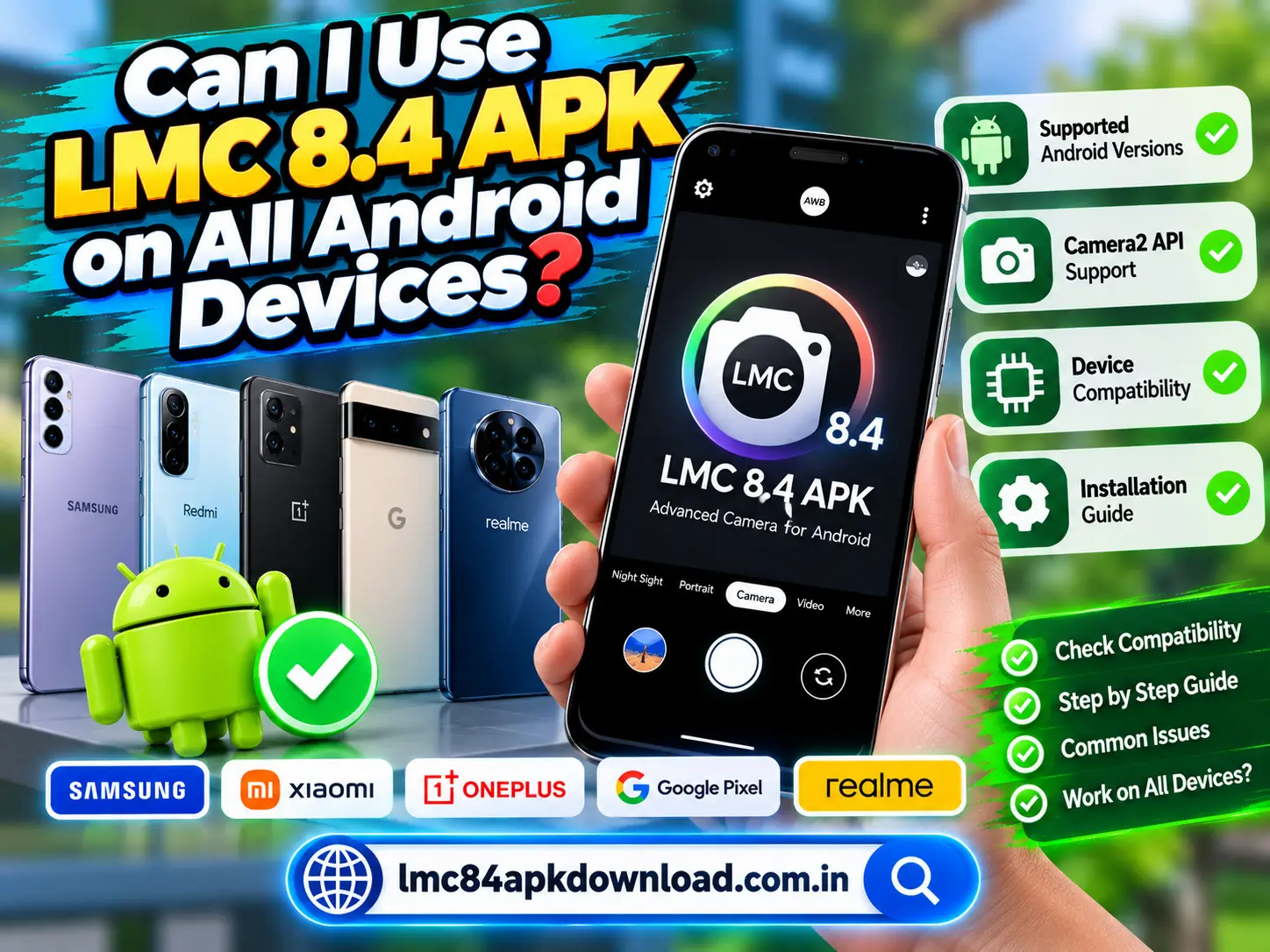
he LMC 8.4 APK is popular among Android photography enthusiasts who want to explore advanced camera features beyond their phone’s default camera app. However, not every Android device can run every version of LMC 8.4 successfully. Compatibility depends on several factors, including the phone’s hardware, Android version, camera support, and the specific APK build.
If you are considering installing LMC 8.4, this guide will help you understand which devices may support it, how to check compatibility, and what to do if the app does not work as expected.
What Is LMC 8.4 APK?
LMC 8.4 APK is a modified distribution of a Google Camera-based application associated with advanced photography features. Depending on the build, it may offer tools such as HDR processing, Night Sight, portrait effects, and additional camera settings.
These features can help users experiment with image quality and low-light photography. However, the available options vary between builds and devices.
Unlike a standard camera app preinstalled by a phone manufacturer, an LMC 8.4 build may require particular camera capabilities or software support. Therefore, downloading the APK does not guarantee that every feature will work on your phone.
Can LMC 8.4 APK Run on All Android Devices?
No, LMC 8.4 APK does not work on every Android device. Some phones may install and run it without major problems, while others may experience crashes, missing features, or installation errors.
Here are the main factors that affect compatibility.
Android Version
Your phone’s Android version is one of the first things to check. Different LMC 8.4 builds may have different software requirements.
A build designed for a newer Android release may fail to install on an older device. In other cases, an app might install but behave unpredictably because the operating system lacks required functionality.
Before downloading, check the Android version supported by the specific build. You can usually find your version under Settings → About phone → Android version. The exact menu names may vary by manufacturer.
Camera2 API Support
Camera2 API is an important Android framework that allows camera applications to access different camera controls and capabilities.
Some Google Camera-based ports rely on Camera2 API support to provide advanced photography functions. If your phone offers limited camera access, certain features may not work correctly.
You can use a reputable Camera2 API checker from a trusted app store to review your device’s support level. Keep in mind that a compatibility result is only an indicator, not a guarantee that a particular LMC 8.4 build will work.
Processor and Hardware
Your phone’s processor and camera hardware can also affect performance. Devices with different chipsets may process images differently, even when they run the same Android version.
A low-end phone might open the application but struggle with demanding image processing. You could experience slow captures, delayed processing, or occasional crashes.
More powerful hardware may improve performance, but it does not guarantee compatibility. Software support and the specific APK build remain important.
RAM and Available Storage
RAM helps your phone run applications and process images. If your device has limited memory, LMC 8.4 may close unexpectedly or run slowly when using demanding camera features.
Storage also matters. You need enough free space to download the APK, install the application, save photos, and process images.
Before installation, close unnecessary apps and free up storage if your phone is running low on space. These steps may improve performance, although they cannot fix every compatibility issue.
Which Android Devices May Support LMC 8.4?
Compatibility depends on the device model and the exact version you choose. The following table provides a general overview.
| Device factor | Potential compatibility |
|---|---|
| Newer Android phone | May work if the build supports its software |
| Older Android phone | Depends on the minimum Android requirement |
| Google Pixel device | Some builds may work, but support varies |
| Samsung Galaxy device | Depends on model, chipset, and camera support |
| Xiaomi, Redmi, or POCO device | Some models may support compatible builds |
| Entry-level Android phone | May face performance or feature limitations |
| Device with limited Camera2 API support | Advanced features may be unavailable |
These are general guidelines, not a verified list of compatible models. Even phones from the same manufacturer can behave differently because of differences in hardware, Android versions, and camera software.
How to Check LMC 8.4 APK Compatibility
Before installing the application, follow these practical steps.
Check Your Phone Model
Open Settings and find your device name or model number. Write it down so you can compare it with the compatibility information for the LMC 8.4 build you are considering.
Avoid relying only on the phone brand. A compatible build for one model may not work on another model from the same manufacturer.
Check Your Android Version
Go to Settings and open the About phone section. Look for the Android version and any available system updates.
Next, compare your software version with the APK’s stated requirements. Do not assume that the newest build is automatically the best choice for an older phone.
Check Camera2 API Support
Review your phone’s camera capabilities using a reputable compatibility-checking tool. Look for information about Camera2 API support and the camera features available on your device.
This check can help you understand whether your phone has the camera access needed by a particular build.
Choose a Compatible Build
Look for reliable information about the specific LMC 8.4 version and your device model. Check the developer or distributor details and avoid unknown download pages that make unrealistic claims.
Do not install several random APK files simply to find one that works. Unverified files can introduce security risks.
Test the Camera Features
If the application installs successfully, open it and test basic photography first. Then try additional features, such as HDR or Night Sight, if they appear in your version.
Take a few test photos and check whether the app saves images correctly. If the application crashes repeatedly, stop using that build and look for a safer, compatible alternative.
Common LMC 8.4 Compatibility Problems and Solutions
Even after installation, you may encounter some problems. Here are a few common examples.
LMC 8.4 APK Keeps Crashing
The build may not be compatible with your phone or camera software. Restart your device and check whether you downloaded a build intended for your model.
If the problem continues, uninstall the incompatible version and use your phone’s original camera app until you find a suitable alternative.
Night Mode Is Missing
Night mode availability depends on the build, device capabilities, and configuration. Some versions may use a different name for low-light photography features.
Check the available camera modes and any trustworthy configuration guidance for your device. Do not assume that every LMC 8.4 version includes the same features.
The APK Will Not Install
An installation failure can result from an incompatible Android version, a damaged download, a conflicting package, or an unsupported APK format.
Check the error message before trying again. Only download another copy from a source you can verify, and do not disable security protections to force an installation.
Is LMC 8.4 APK Safe for Every Android Phone?
Compatibility and safety are two different things. An APK might run on your phone but still come from an untrustworthy source.
Download only from a source with a credible reputation. Review the requested permissions, keep Android security protections enabled, and avoid modified files that promise unlocked premium features without evidence.
You should also remember that third-party camera ports may not receive updates or security support like your phone’s original camera application.
Frequently Asked Questions
Does LMC 8.4 APK work on every Samsung phone?
No. Support depends on the specific Samsung model, chipset, Android version, and APK build.
Can I use LMC 8.4 on an older Android phone?
Possibly. Check the build’s minimum Android requirement and your device’s camera capabilities before installing it.
Does LMC 8.4 require Camera2 API?
Many Google Camera-based ports rely on Camera2 API capabilities, but requirements vary by build. Check the documentation for the exact version you want to use.
Will LMC 8.4 improve my camera quality?
It may improve results on compatible devices, particularly when its image processing works well with your phone’s camera hardware. Results are not guaranteed, and some features may perform worse than the stock camera.
Conclusion
The LMC 8.4 APK is not compatible with every Android device. Your Android version, Camera2 API support, hardware, available memory, and selected APK build all influence whether it will work properly.
Before downloading, check your phone model and software requirements. Choose a trustworthy source, test the available features carefully, and avoid forcing an installation when compatibility or security warnings appear.