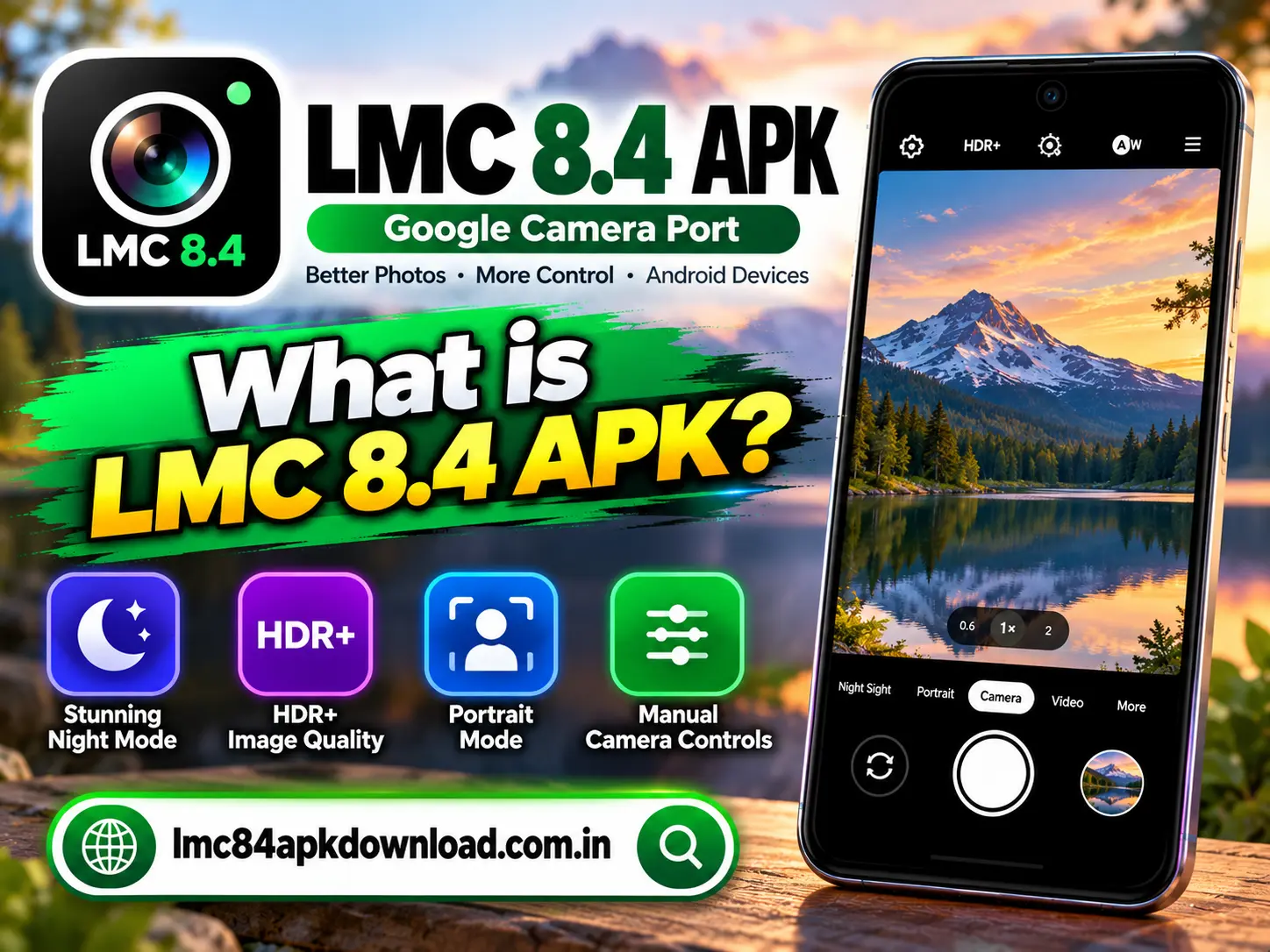
If you enjoy mobile photography, you may have heard about LMC 8.4 APK. It is a modified version of the Google Camera app concept associated with GCam ports. Photography enthusiasts often explore these camera applications because they may offer additional controls and image-processing options compared with the default camera app on their phones.
However, LMC 8.4 APK is not an official Google Camera release from Google. It is a third-party camera port, and its features and compatibility can vary depending on the developer’s build and your Android device.
In this guide, you will learn what LMC 8.4 APK is, how it works, which features users may find, how to check compatibility, and what to consider before installing it.
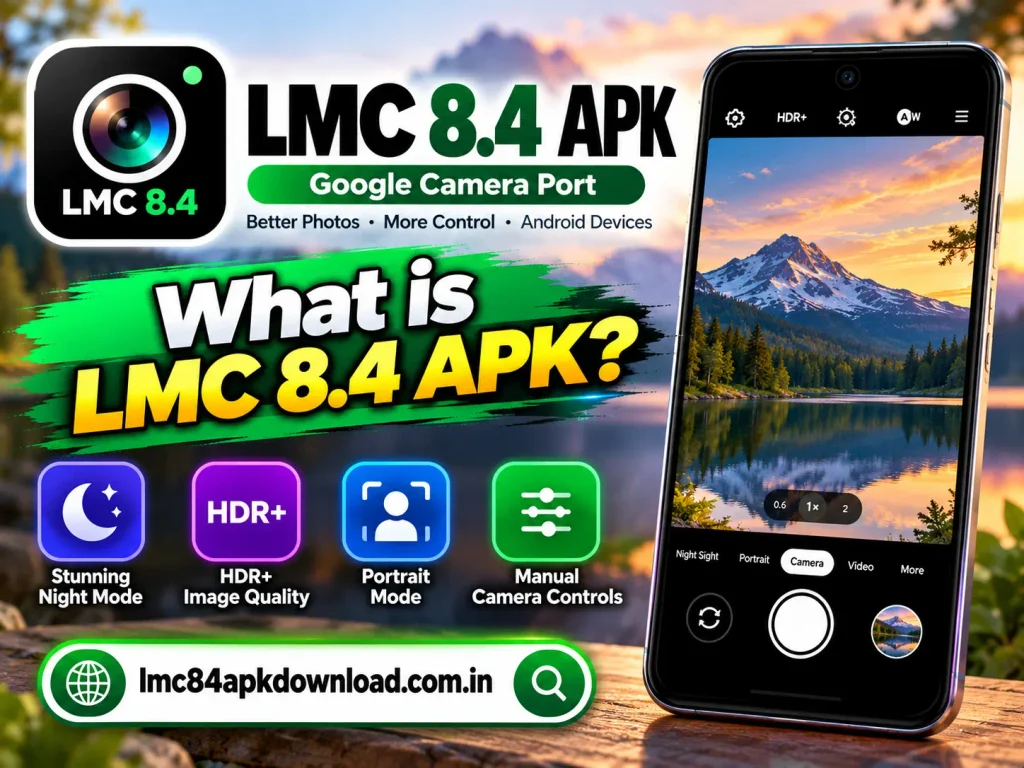
What Is LMC 8.4 APK?
LMC 8.4 APK is an Android camera application based on a port of Google’s Camera software. The APK file format allows Android users to install applications outside the Google Play Store, provided their devices and security settings permit it.
Many users explore GCam ports because Google’s image-processing techniques can produce appealing photographs. Depending on the device and port, these applications may provide controls that are unavailable in a phone’s standard camera app.
It is important to understand that LMC 8.4 is developed and distributed independently from Google’s official camera application. Therefore, you should not assume that every version offers the same features, performance, or reliability.
How Does LMC 8.4 APK Work?
A camera application uses your phone’s camera hardware to capture images and video. It then processes the captured data to produce the final result.
LMC 8.4 APK uses camera-processing software adapted for compatible Android devices. Its results depend on several factors, including the phone’s camera sensors, Android version, Camera2 API support, and the particular port being used.
Some builds may also support configuration files that adjust image-processing settings. These configurations can help users tailor the camera to specific devices, but a configuration made for one phone may not work correctly on another.
Key Features of LMC 8.4 APK
The available features depend on the exact version and device. The following are capabilities commonly associated with compatible GCam ports, not guaranteed features of every LMC 8.4 build.
HDR+ Image Processing
HDR+ is a Google camera-processing technology designed to improve the balance between bright and dark areas in photographs.
Depending on the port and device, HDR-style processing may help preserve detail in challenging lighting conditions. Results can vary based on the camera sensor, software implementation, and environment.
Night Photography
Some compatible camera ports include enhanced low-light processing. These modes may combine information from multiple frames to produce brighter images with reduced noise.
However, night photography performance depends heavily on the phone’s hardware and the quality of the particular port. Installing LMC 8.4 does not automatically guarantee better night shots.
Manual Camera Controls
Certain builds may expose controls for parameters such as focus, exposure, white balance, or shutter speed.
These options can be useful for photography enthusiasts who want more control over the final image. The availability of each setting depends on the build and the camera hardware.
Portrait Photography
Compatible ports may provide portrait-style effects that separate the subject from the background. The quality of background blur depends on the software, subject, lighting, and camera capabilities.
Do not assume every LMC 8.4 version supports the same portrait features.
Custom Configuration Files
Some LMC and GCam ports support configuration files, often called XML configs. These files can store camera settings for particular devices or photography preferences.
Before importing a configuration, verify that it was created for your specific port and device. An incompatible configuration may cause crashes, poor image quality, or missing controls.
Is LMC 8.4 APK Compatible With Every Android Phone?
No. LMC 8.4 APK does not work equally well on every Android device.
Compatibility can depend on the Android version, camera hardware, processor, Camera2 API implementation, and specific application build.
Some phones may install the app but experience crashes or missing features. Others may not support important camera functions required by the port.
How to Check Compatibility
Before downloading LMC 8.4 APK, follow these steps:
- Check your Android version: Review your phone’s software information in Settings.
- Identify your device model: Find the exact model name and variant.
- Check Camera2 API support: Use a reputable camera-information utility if necessary.
- Review build requirements: Read the developer’s compatibility notes for the exact APK.
- Check device-specific reports: Look for reliable information about the same phone model and application build.
Even when a phone meets the stated requirements, full functionality is not guaranteed.
How to Download and Install LMC 8.4 APK
Because LMC 8.4 is a third-party camera port, its APK may not be available through the Google Play Store. Installation should begin with careful source verification.
Find a Trustworthy Source
Look for the original developer’s release information or a reputable community source that clearly identifies the build and its publisher.
Avoid websites that hide the application’s origin, use misleading download buttons, or require unrelated software installations.
Verify the APK
Check the file’s name, version, publisher information, and available security information. If possible, scan the file with a reputable mobile security tool before opening it.
A scan cannot guarantee that a file is safe, but it can help identify some known threats.
Install the Application
If you decide to proceed, download the APK and follow Android’s installation prompts. Depending on your device, you may need to allow installation from the specific source you used.
Enable this permission only when necessary, and disable it again afterward.
Test the Camera
Open the application and test basic photography functions first. If the app crashes, produces unusual images, or fails to access the camera, uninstall it rather than repeatedly changing settings without understanding the cause.
Is LMC 8.4 APK Safe?
The safety of LMC 8.4 APK depends on the file’s source, integrity, and behavior. Since it is a third-party application, it does not automatically receive the same distribution and review process as an official app from Google Play.
Follow these precautions:
- Download only from a source you can verify.
- Avoid modified files with unclear origins.
- Review camera, microphone, storage, and other permission requests.
- Be cautious if the application requests unrelated access.
- Keep Android updated and use reputable security tools.
- Remove the app if it behaves suspiciously.
Remember that a website’s claim that an APK is safe is not proof of its security.
LMC 8.4 APK vs. Your Phone’s Default Camera
Your phone’s built-in camera app is generally designed and tested for that specific device. It may provide reliable access to manufacturer features, including specialized camera modes and video controls.
LMC 8.4 APK may offer alternative image processing or additional controls on compatible phones. However, it can also have limitations, such as missing features, unstable performance, or incomplete hardware support.
The better option depends on your priorities. If you value reliability and full device integration, the default camera is a sensible starting point. If you enjoy experimenting with photography, a compatible and verified LMC port may be worth testing.
Frequently Asked Questions
Is LMC 8.4 APK an official Google app?
No. It is a third-party camera port and should not be confused with Google’s official Google Camera application.
Can LMC 8.4 APK improve photo quality?
It may improve results on some compatible devices, but performance varies by hardware, software build, settings, and lighting conditions.
Does LMC 8.4 APK work on all Android phones?
No. Compatibility depends on the device, Android version, camera support, and the specific APK build.
Can I use XML configuration files?
Some compatible builds support configuration files. Always choose one intended for your exact port and device.
Conclusion
LMC 8.4 APK is a third-party camera port that photography enthusiasts may explore for alternative image processing and additional camera controls. Its actual features and performance depend on the specific build and the Android device.
Before installing it, check compatibility, verify the download source, review permissions, and understand the potential security risks. If the port does not work reliably on your phone, your device’s default camera app may provide a safer and more consistent experience.